Landscape 3D Rendering Services
Bringing Outdoor Spaces to Life with Precision
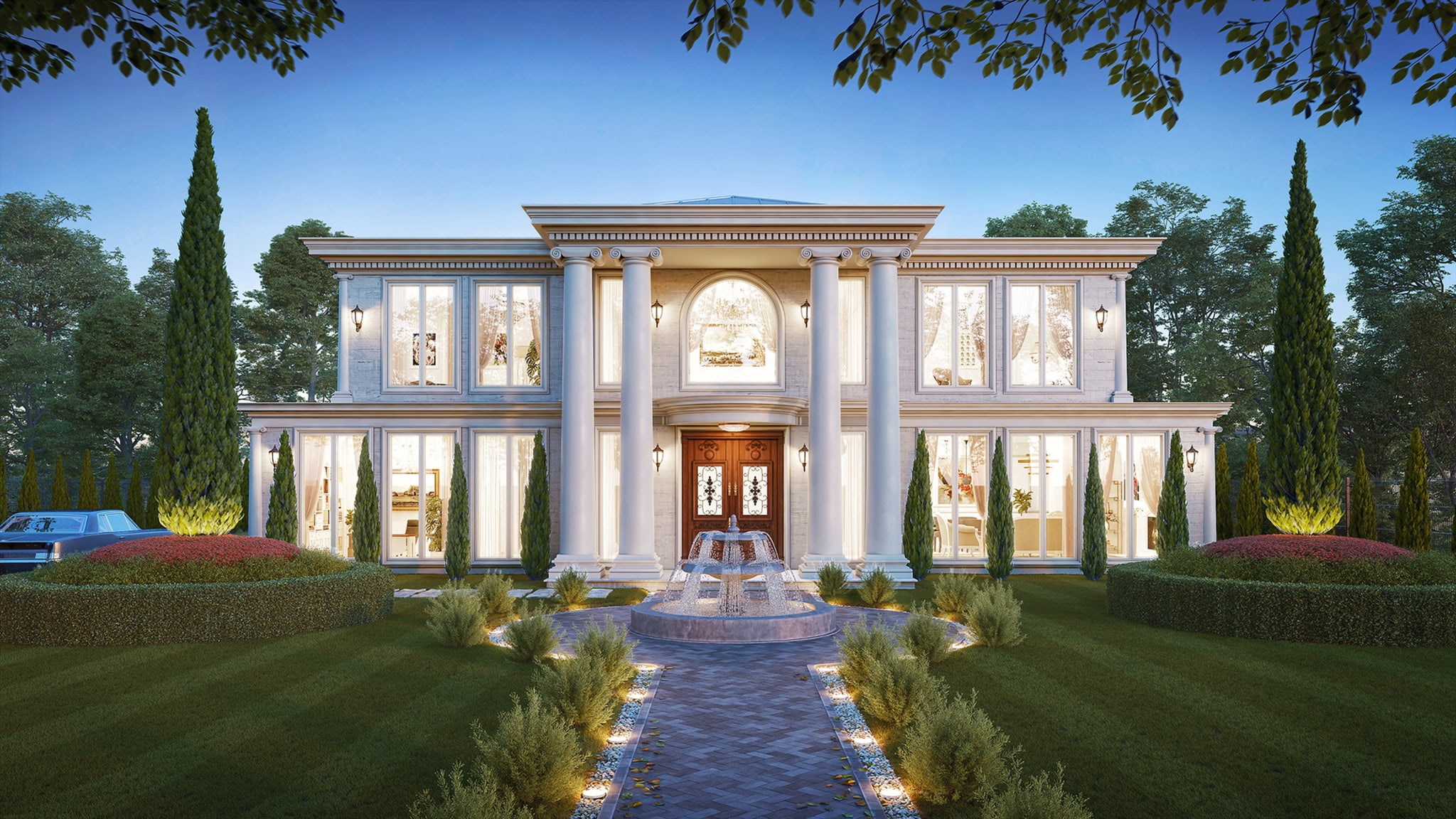
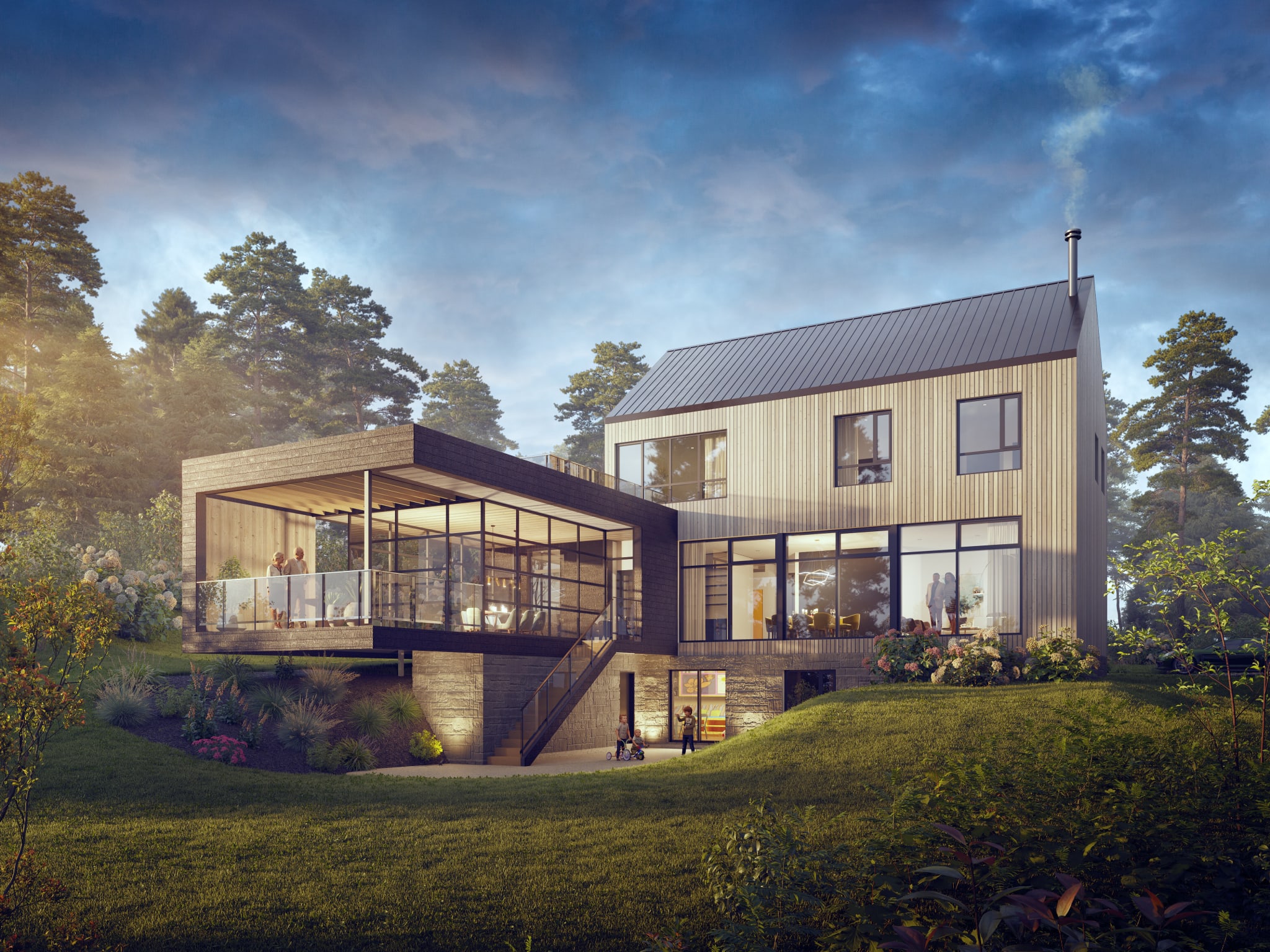
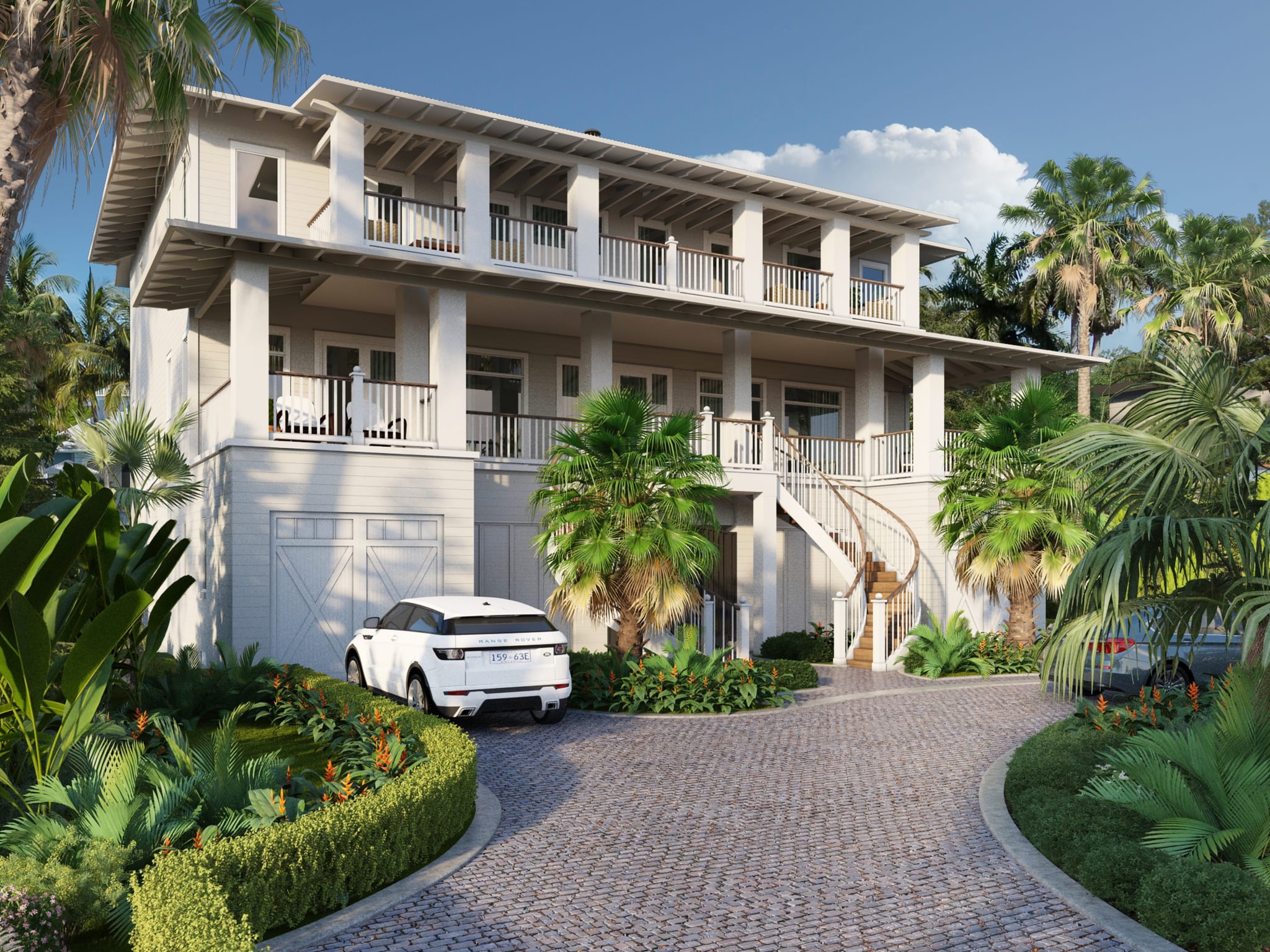
Landscape renderings that show the space fully grown
For 19 years, RealSpace3D has produced photorealistic landscape and streetscape renderings for developers, landscape architects, and municipalities, with 2,500+ projects delivered across the US and Canada. We show parks, courtyards, plazas, and streetscapes as they'll look once planted and mature — for approvals, community consultation, and pre-sales marketing.
You work directly with a North American team — no offshore hand-offs — with three revision rounds included.
83%
of buyers' agents say staging helps buyers picture a home as their own.
Source NAR, Profile of Home Staging (2025)
Measures physical home staging (agent survey), cited as a visualization signal.
What Sets Our Landscape Architectural Renders Apart
Because of RealSpace’s vast 3d vegetation library and our more robust rendering program, we can add almost limitless detail to an image. This means we are not restricted when integrating trees, shrubs, and flowers into a scene. While most 3d rendering companies are forced to cut corners by photoshopping two-dimensional images into their scenes, which will not realistically react to the environment, we can place a large number of trees and have accurate scale, reflections, shadows, lighting, and colour bounces.
In addition to accurate renders, RealSpace is able to provide numerous camera angles for a reduced price. The bulk of our work is in the initial setup of the scene; beyond this point, shifting a camera around and making whatever changes are needed is typically less involved. As a result, we are able to provide less expensive options for 3D rendered packages.
Contact Us - Let’s work together
We can’t wait to hear from you.
Get in Touch
- info@realspace3d.com
- Phone
- +1 (236) 998-4385
- Office
- 170-422 Richards Street
Vancouver, BC, Canada
V6B 2Z4
Trusted by developers across North America
Average turnaround: 2-3 weeks
Commonly repeated
AI turns a text prompt into a finished, client-ready render.
The pitch behind a lot of cheap, overpromising operators.
What the research shows
AI is a concept tool, not a finished-render tool — the most recent industry survey found only ~11% of firms use it in visualization, mostly for early ideas.
Source State of Architectural Visualization 2024/25, Architizer × Chaos (2025)
Survey of 1,000+ design professionals (practitioner adoption).
What a Landscape Rendering Includes
Because of our extensive 3D vegetation library and production render engine, we can populate a scene with accurate species, seasonal foliage, mature tree canopies, hardscape materials, water features, and site furniture — lit for the time of day and season that best presents the design. Deliverables range from eye-level streetscape views to aerial site overviews.
Common Uses
Planning & approvals: show councils and review boards exactly how a public realm or development landscape will read once built. Community consultation: give residents an honest, legible picture of a proposed park or streetscape. Pre-sales & marketing: present the finished outdoor lifestyle a project offers, not just the buildings.
What We Need to Start
Site plans, grading and landscape drawings, a planting schedule or plant list, and any reference imagery. CAD or Revit models speed things up, but dimensioned PDFs and a clear brief are enough to begin.
Landscape Rendering FAQs
What is landscape rendering used for?
Planning and municipal approvals, community consultation, and pre-sales marketing — anywhere people need to see a designed outdoor space before it is built.
How much does a landscape rendering cost?
Pricing depends on site size, level of detail, number of views, and whether eye-level or aerial. See the 3D rendering pricing guide for how visualization pricing works, or send your site plans for a quote.
What do you need to create a landscape rendering?
Site plans, grading and landscape drawings, a planting schedule, and reference imagery. CAD/Revit models help but dimensioned PDFs are enough to start.
Related Services

Aerial & Drone Rendering Services

Exterior Rendering Services

What is 3D Rendering? | Understanding the 3D Visualization Process

Commercial Rendering Services

Condo & High-rise Rendering Services